
Tmux-优雅的终端复用器
简介
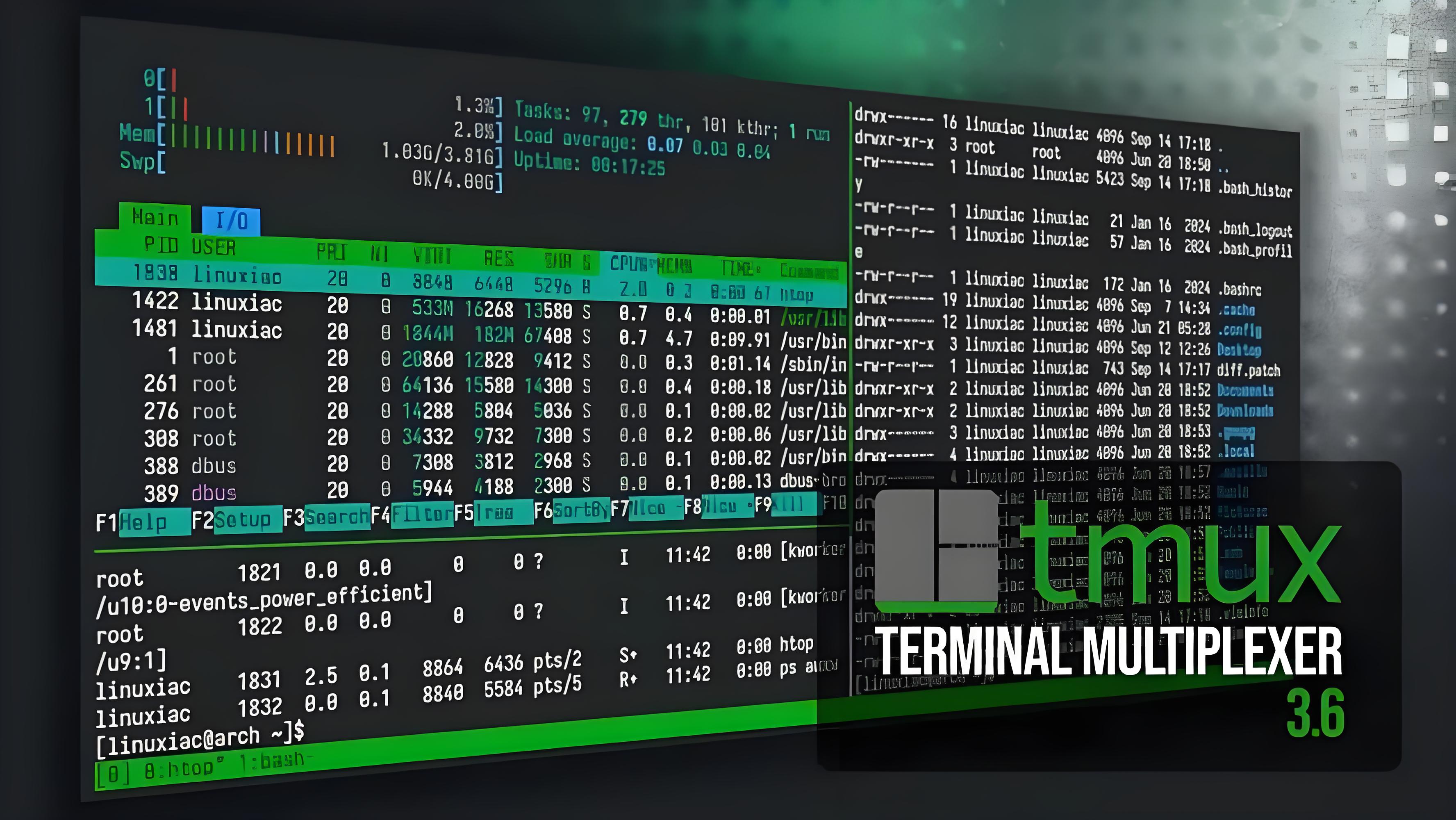
Tmux 是一个终端复用器(terminal multiplexer),允许用户通过单一终端窗口管理和同时操作多个会话、窗口及窗格。
核心功能:
会话持久化:在远程服务器(如通过 SSH 连接)上运行的进程,即使网络中断或终端关闭,也会在后台持续运行,避免因连接断开导致任务中断。
多窗口与分屏:支持在一个终端内创建多个窗口,并通过水平或垂直拆分将每个窗口划分为多个窗格,实现并行查看和操作不同命令行程序。
客户端-服务器架构:采用 C/S 模型,包括服务器(server)、会话(session)、窗口(window)和窗格(panel)四个层级模块,提供灵活的管理结构
为什么你需要 Tmux?
在没有 Tmux 之前,你可能遇到过这些烦恼:
连接中断:正在跑一个耗时 2 小时的脚本,结果网络波动,连接断开,任务直接挂掉。
窗口打架:为了同时看日志、改代码、查数据库,你不得不开了 4 个终端窗口,切来切去头晕眼花。
Tmux 的核心架构分为三层:
Session(会话):最顶层,包含一个或多个窗口。
Window(窗口):类似浏览器的标签页。
Pane(窗格):将一个窗口切分成多个小块。
安装
Ubuntu
apt update
apt install tmux
CentOs
# 如果是centos8
sudo yum install http://galaxy4.net/repo/galaxy4-release-8-current.noarch.rpm
# 如果是centos7
sudo yum install http://galaxy4.net/repo/galaxy4-release-7-current.noarch.rpm
sudo yum install tmux
tmux 备份、重启恢复
首先安装 tmux 的插件管理器:tmux plugin manager,然后安装以下两个插件:
tmux-resurrect:备份与恢复;Restore tmux environment after system restart。
tmux-continuum:用于定时调用 tmux-resurrect 进行自动备份,并在开机时调用 tmux-resurrect 进行自动恢复。
安装 tpm
git clone https://github.com/tmux-plugins/tpm ~/.tmux/plugins/tpm
添加插件:vim ~/.tmux.conf
# List of plugins
set -g @plugin 'tmux-plugins/tpm'
# Other examples:
# set -g @plugin 'github_username/plugin_name'
# set -g @plugin '[email protected]/user/plugin'
# set -g @plugin '[email protected]/user/plugin'
# set -g @plugin 'tmux-plugins/tmux-sensible'
set -g @plugin 'tmux-plugins/tmux-resurrect'
set -g @plugin 'tmux-plugins/tmux-continuum'
# for vim
set -g @resurrect-strategy-vim 'session'
# for neovim
set -g @resurrect-strategy-nvim 'session'
set -g @resurrect-capture-pane-contents 'on'
 set -g @resurrect-save-shell-history 'on'
set -g @resurrect-processes 'all'
# auto restore
set -g @continuum-restore 'on'
# 设置自动保存的时间间隔,默认是15分钟
# 下面意为改为60分钟,如果改成0则停止自动保存
# set -g @continuum-save-interval '60'
# Initialize TMUX plugin manager (keep this line at the very bottom of tmux.conf)
run -b '~/.tmux/plugins/tpm/tpm'
重载配置文件(如果提示no server running on,则先新建一个tmux窗口。)
tmux source ~/.tmux.conf
安装插件
# 随便进入一个tmux窗口,没有则新建一个。
tmux attach -t test  # 进入已有窗口
# tmux new -s test  # 新建窗口
Ctrl+b然后按I(注意是大写的)安装插件,出现下面信息:
#[0/0]
#TMUX environment reloaded.
#Done, press ESCAPE to continue.
#安装成功,按ESC返回。
由于使用了 tmux-continuum,tmux-resurrect 的备份和恢复都是自动的(在指定时间间隔备份、在重启后进行恢复)。当然,你也可以直接调用 tmux-resurrect 来进行手动的备份与恢复,从而实现更灵活的操作:
手动备份 tmux:Ctrl+b 然后按 Ctrl+s
手动恢复 tmux:Ctrl+b 然后按 Ctrl+r
核心快捷键:一切从 Ctrl+b 开始
在 Tmux 中,所有的命令都需要先按下前缀键 (Prefix),默认是 Ctrl+b。
1. 会话管理(最常用)
这是 Tmux 的灵魂功能,让你实现“离线挂机”。
新建会话:
tmux new -s <name>分离会话:
Ctrl+b然后按d(Detach)。此时你回到了原始终端,但任务在后台跑。重连会话:
tmux attach -t <name>查看所有会话:
tmux ls
2. 窗口管理 (Windows)
就像 Chrome 的标签页一样:
新建窗口:
Ctrl+b然后按c列出窗口:
Ctrl+b然后按w重命名窗口:
Ctrl+b然后按,关闭窗口:
Ctrl+b然后按&切换到下一个窗口:
Ctrl+b然后按n(Next)切换到上一个窗口:
Ctrl+b然后按p(Previous)通过编号切换:
Ctrl+b然后按0~9
3. 窗格管理 (Panes)
实现炫酷的多分屏:
左右分屏:
Ctrl+b然后按%上下分屏:
Ctrl+b然后按"切换窗格:
Ctrl+b然后按方向键关闭当前窗格:
Ctrl+b然后按x(或直接输入exit)
tmux 所有窗口同步命令
Ctrl+b 松开后 : 冒号 然后输入 set synchronize-panes 开启 再次执行关闭
: set synchronize-panes